 BarePeek
See what is hidden in a file you received.
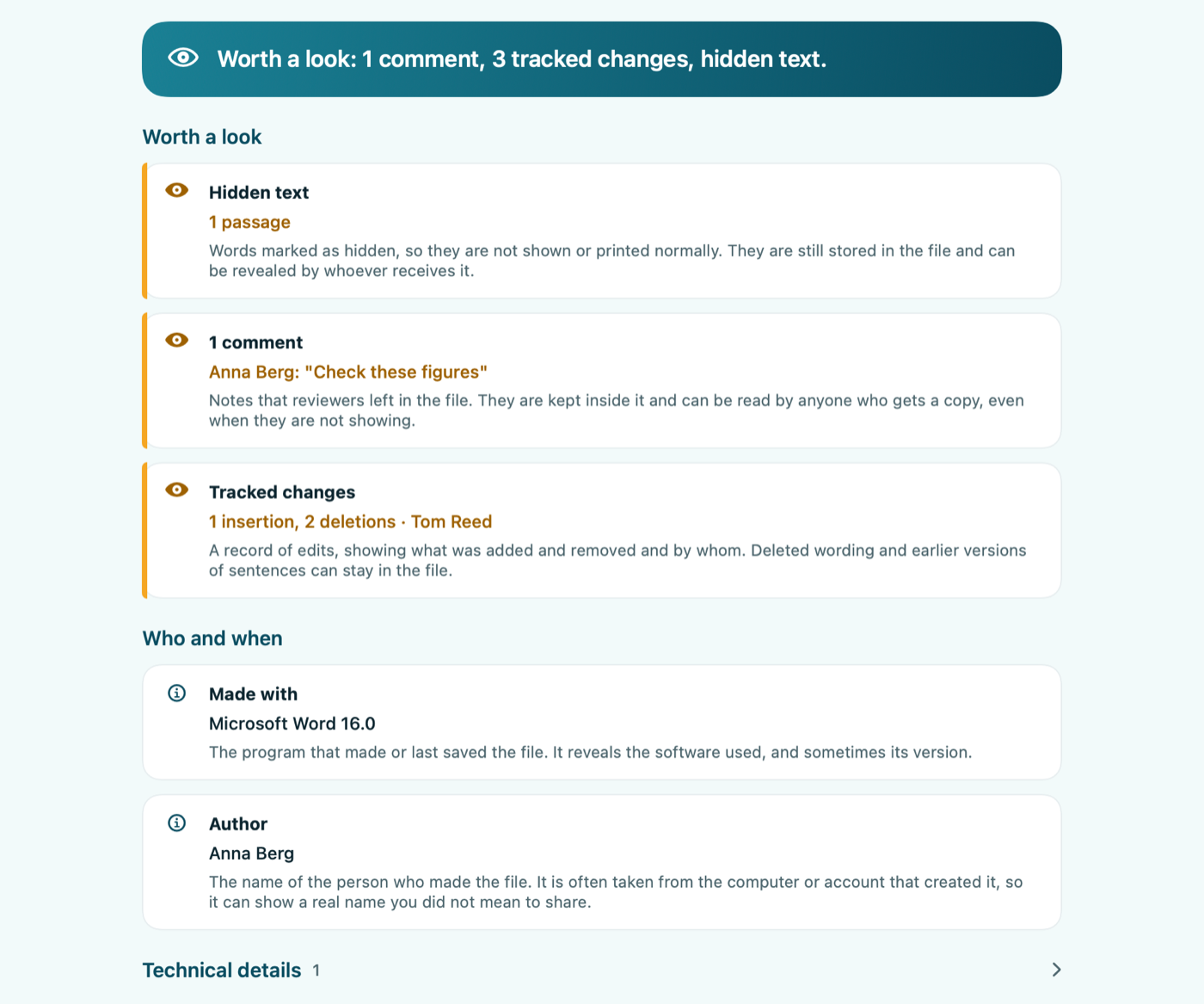
Documents and photos carry more than you see: who wrote them, who edited them, comments, tracked changes, hidden sheets and slides, presenter notes, even where a photo was taken. BarePeek shows you all of it, so you know what you were sent.
For iPhone and Mac, one purchase.
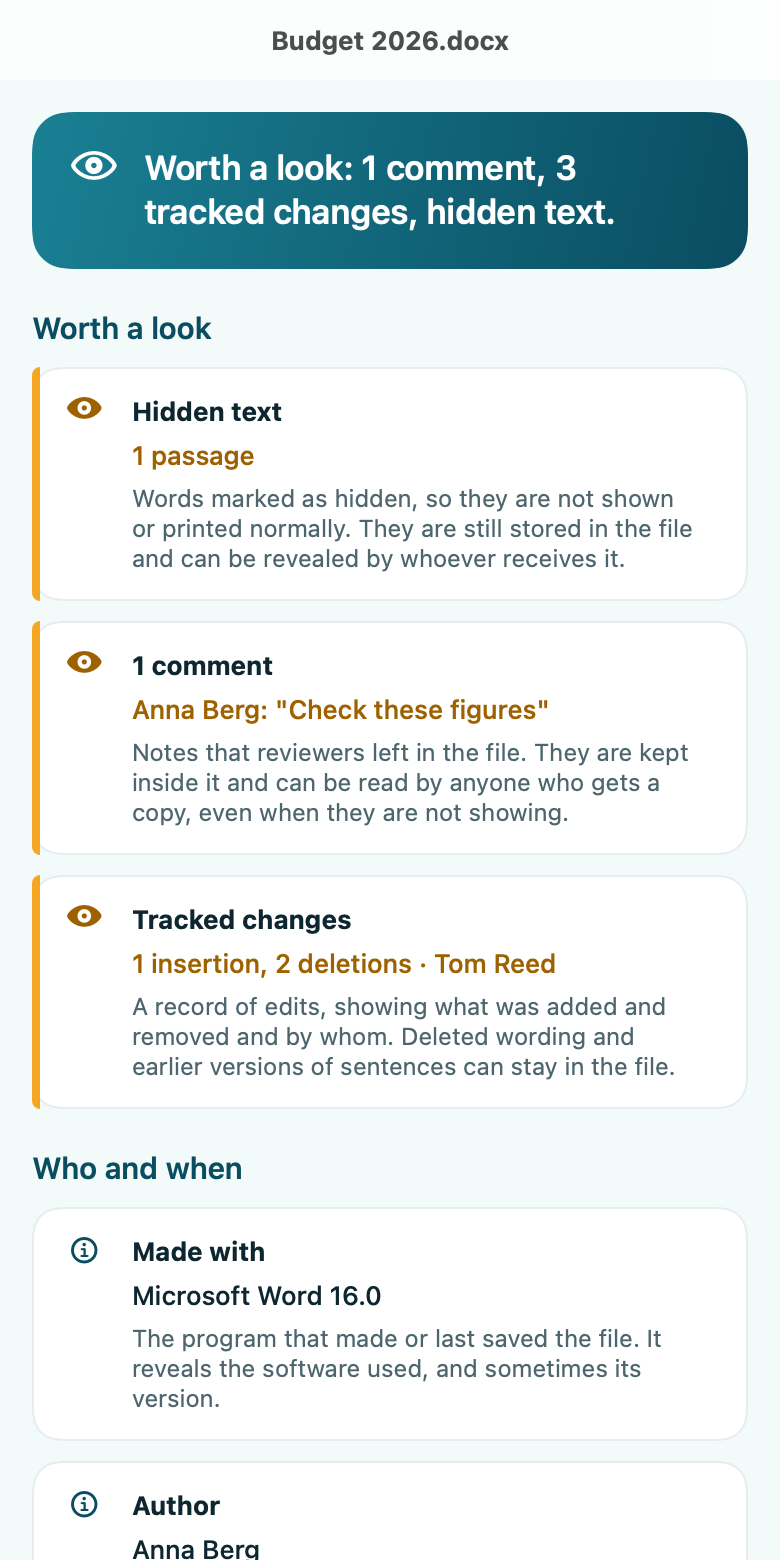
Sorted by what mattersComments, tracked changes and hidden content come first. Who made the file and when comes next. Technical codes stay folded away.
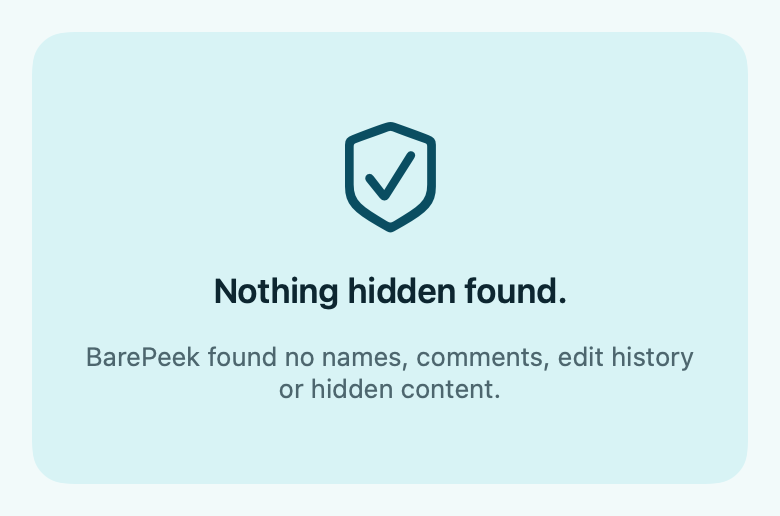
Catches the trapsTells you when text is only covered by a black box and is still in the PDF. It never shows you that text.
Read onlyBarePeek looks and reports. It never changes, cleans or deletes your file. Double-click a file in the list to open the original.
Private by designEverything happens on your iPhone or Mac. No account, no uploads, no tracking, no ads.
What it checks
- Word, Excel, PowerPoint: author and last editor, dates, company, comments, tracked changes, hidden text, hidden sheets, rows and slides, presenter notes, and who else touched the file.
- PDF: author, dates and software, comments and markup, attached files, layers, scripts, form fields, earlier versions saved inside the file, and text hidden under black boxes.
- Keynote, Pages, Numbers: Keynote comments, presenter notes and hidden slides. For Pages and Numbers, the package details; their comments are not checked yet.
- Photos: where it was taken, the date, the camera and its serial number.
How it works
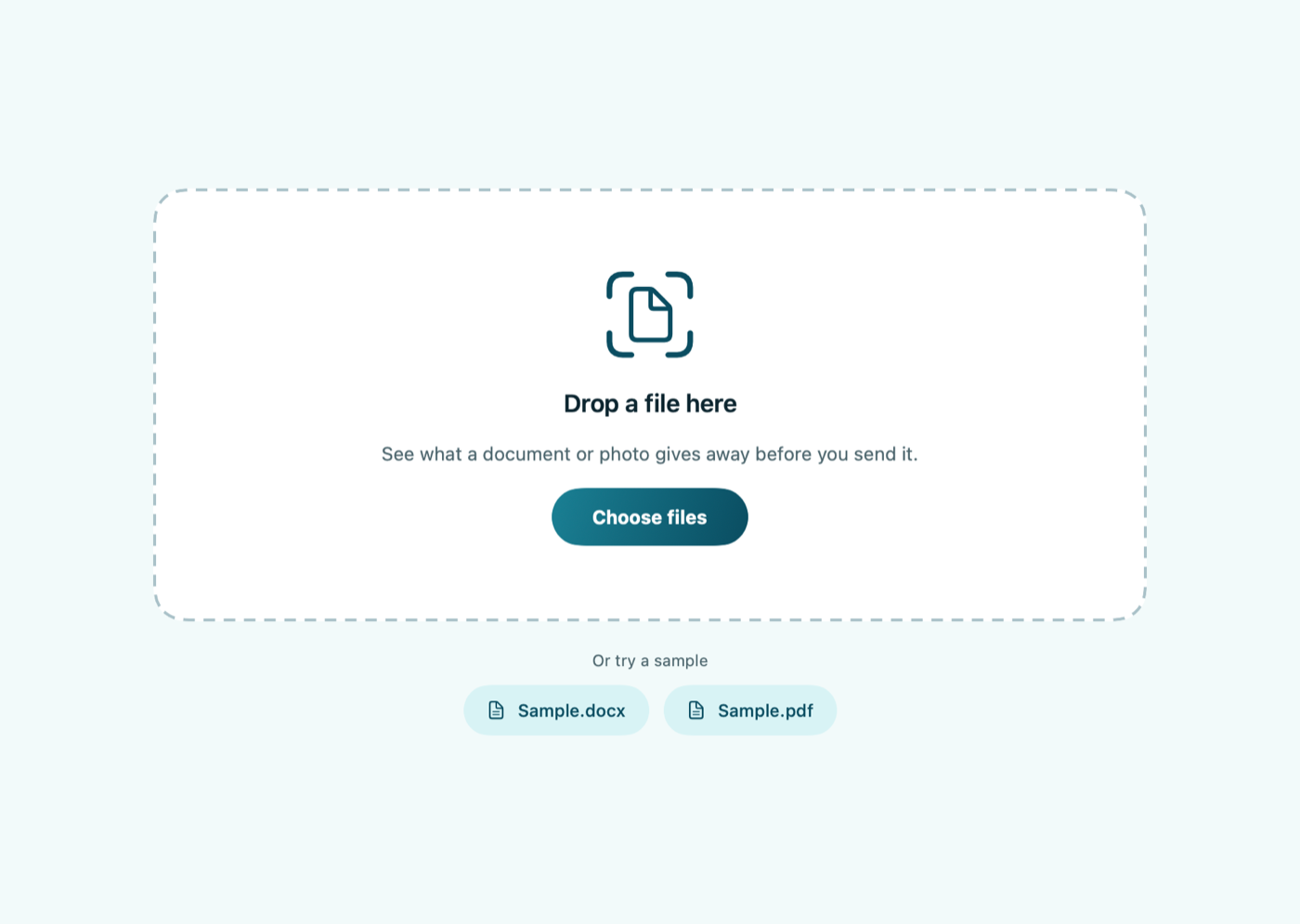
- Drop a file on BarePeek, choose one, or share it to BarePeek from Files or Mail.
- BarePeek lists what is hidden in it, with the real values and a plain explanation of each.
- Add more files and switch between them along the bottom. Save a report if you want to keep the list.
On iPhone
On Mac
More from the same maker
Need to remove what BarePeek finds in your own files? Baredoc cleans documents and Bareshot cleans photos and videos before you share them. See all apps.
Questions?
Read the support page or email [email protected].